Nuvogram
  • Features
  • Earn Money
  • More Features
  • Explore Nuvogram
  • Contact Us

Connect, share & shoptrends with friends.

Seamlessly connect with friends, share your moments, and explore the latest shopping trends all in one place.
Click hereGET IT ONGoogle PlayAVAILABLE ON THEApp Store
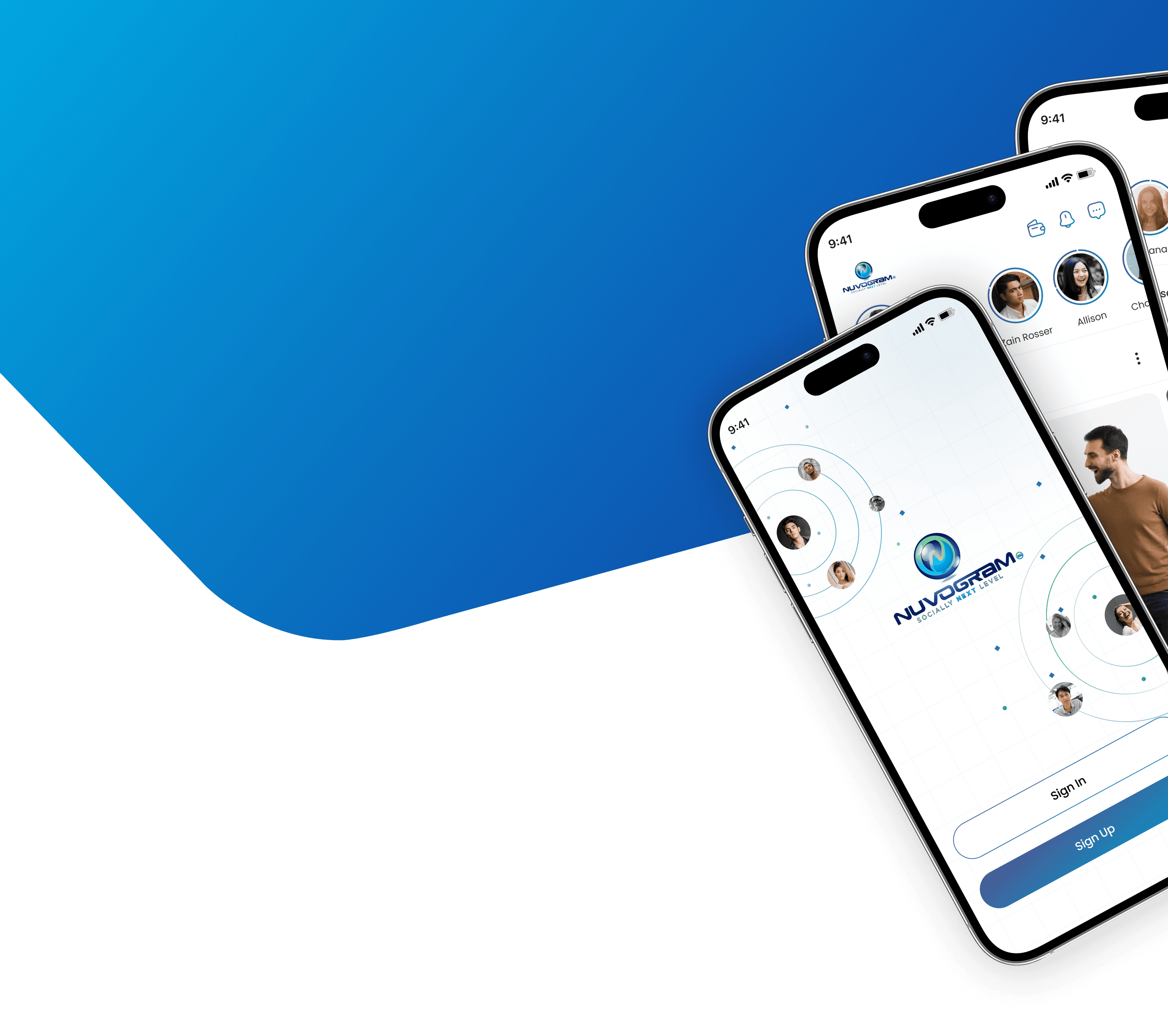
Nuvogram app screens showing the feed, stories and chat

FEATURES

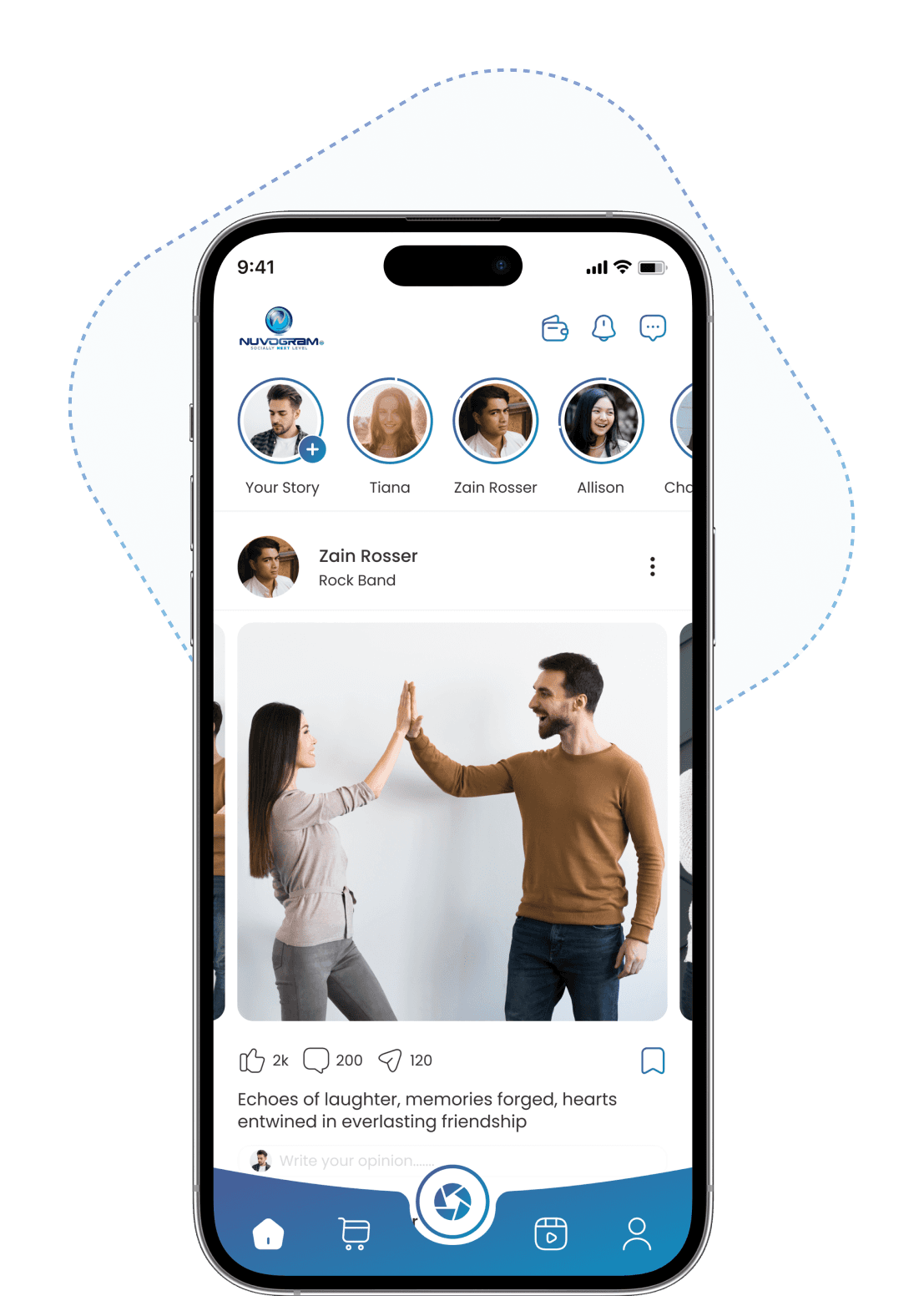
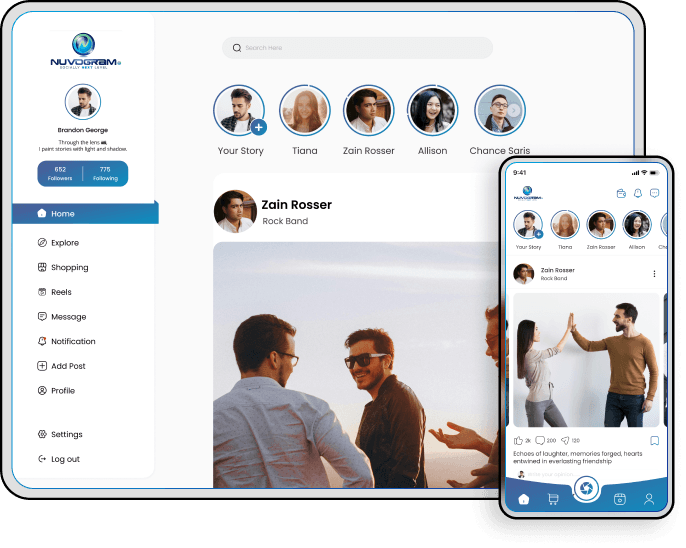
Nuvogram Home screen showing the post feed
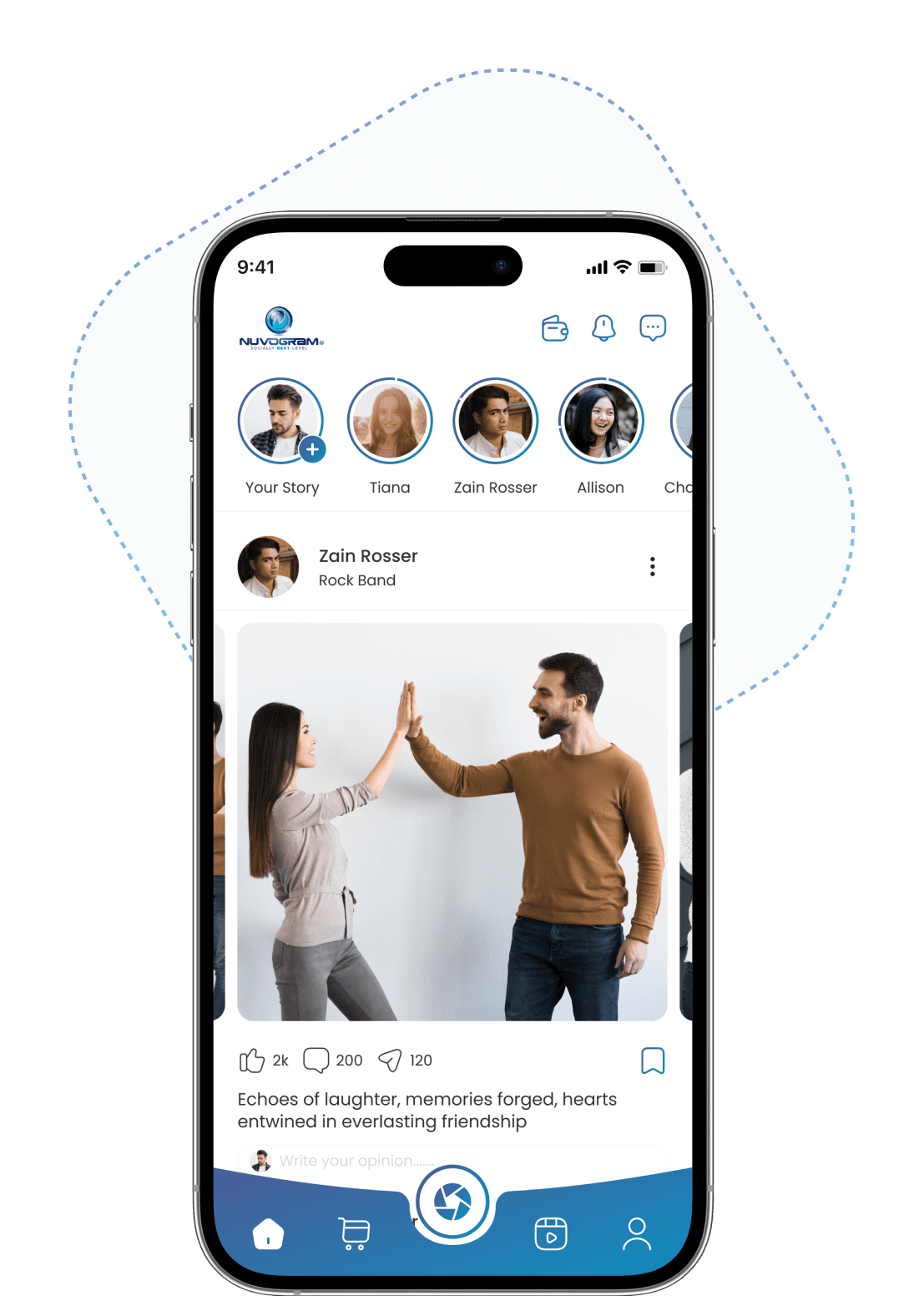
Nuvogram Profile screen
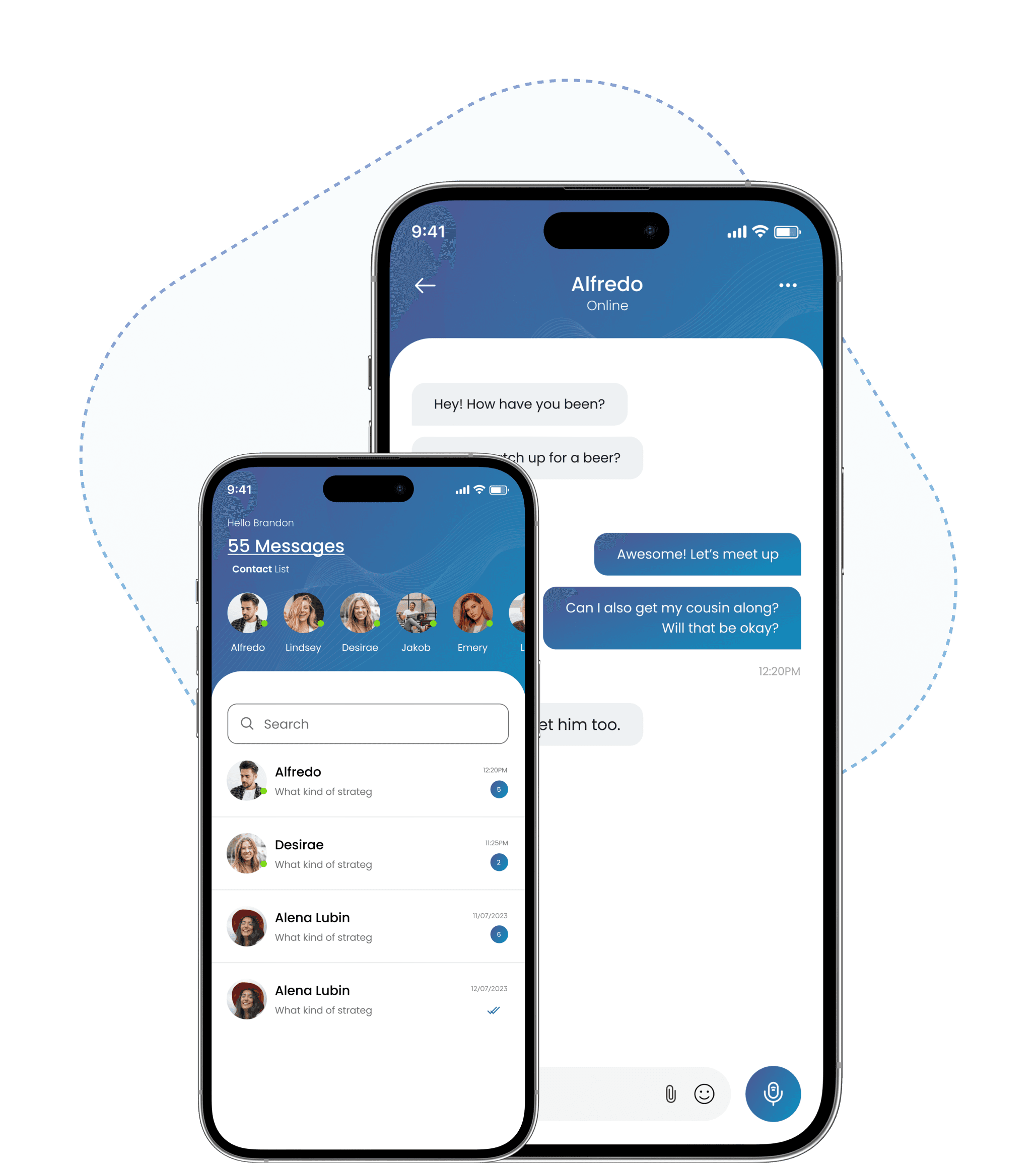
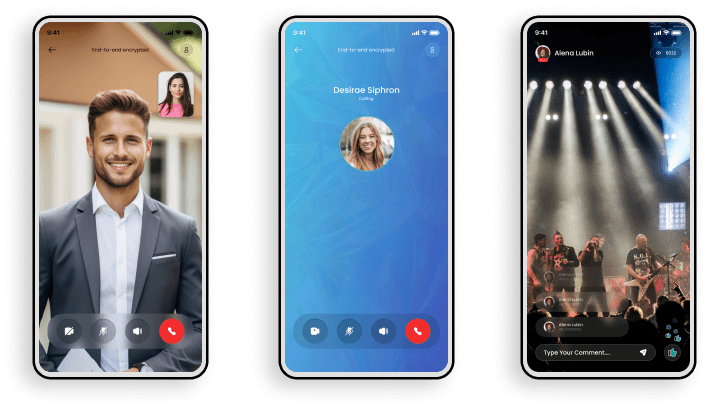
Nuvogram Chat and messages screens
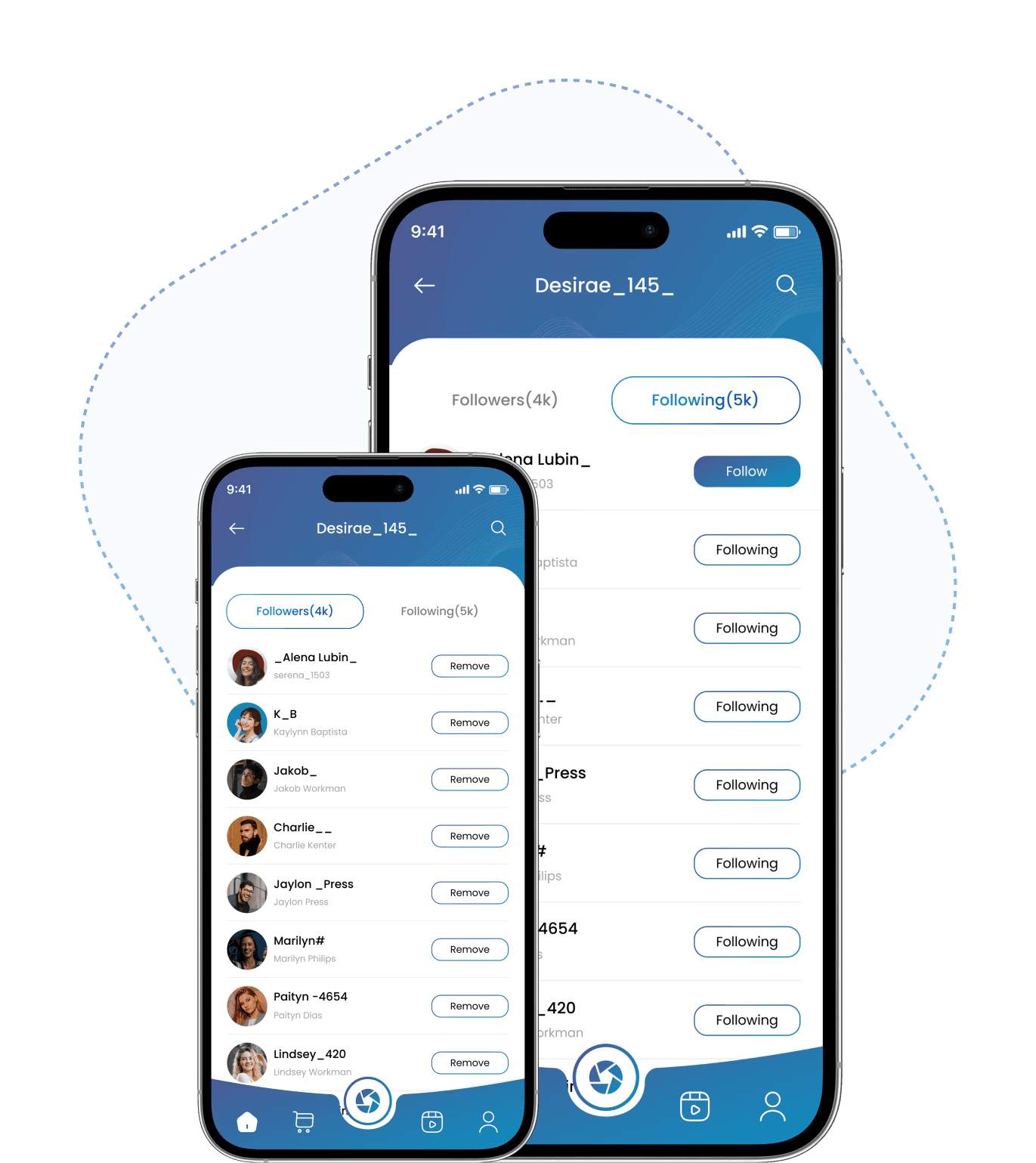
Nuvogram Followers and Following screens

Home Screen

Post Feeds in Home

The "post feed" on Nuvogram refers to the main grid of photos and videos that appear on a user's profile. When you upload a photo or video to Instagram and share it with your followers, it becomes part of your post feed. Each post typically includes an image or video, a caption, and may also include hashtags, tags of other users, and a location.

Photo & Video Grid
Captions & Hashtags
User Tagging
Location Pins

Profile Screen

Profile post, reels, threads

This is the traditional type of content that appears on your Nuvogram profile grid. Profile posts can include photos or videos (up to 60 seconds long), along with captions, hashtags, tags of other users, and location tags, same is for reels the short video is termed as reels, and in thread you can post image with text and single text post.

Photos & Videos
Reels
Threads
Location Tags

Chat Screen

Chat / Messages

Messaging on Nuvogram is a way to have private conversations with other users, separate from your public profile and posts. It's a key feature for staying connected with friends, family, colleagues, and other users on the platform.

Private Chats
Unread Badges
Voice Notes
Emoji & Attachments

Explore follow screen

Follow/Following

Following someone on Nuvogram is a fundamental aspect of engagement and interaction on the platform. It allows users to curate their feed by choosing to see content from accounts they are interested in, whether they are friends, influencers, brands, or organizations.

Followers
Following
Quick Follow
Search People
Next

WHAT'S SPECIAL ABOUT NUVOGRAM

Sell on Nuvogram in four simple steps: set up your store, list your products, receive orders from users and earn on every delivery.

  1. 1

    Become Seller

    Become a best seller on Nuvogram ecommerce platform

    Seller ProfileStore Setup
  2. 2

    Add Products

    Add/Manage Products to sell in app

    Product CatalogPhotos & VideosManage Stock
  3. 3

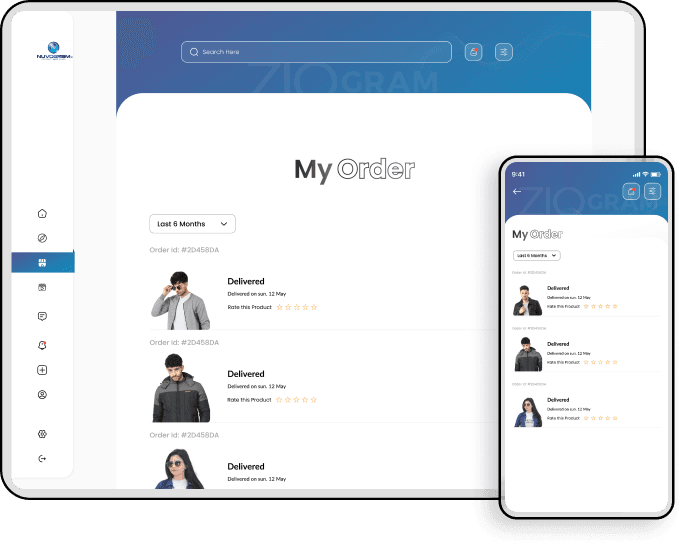
    Orders

    Get orders from users

    In-app OrdersOrder Alerts
  4. 4

    Deliver

    Delivered orders and earn

    Order TrackingEarnings

What Makes This App Special

FEATURES

8 features

Everything in one app

Connect, share and shop with friends. Tap any feature around the circle to see how it works.

Tap a feature to explore
Tap any feature

What's Special About

NUVOGRAM

Social Post
Products & Orders
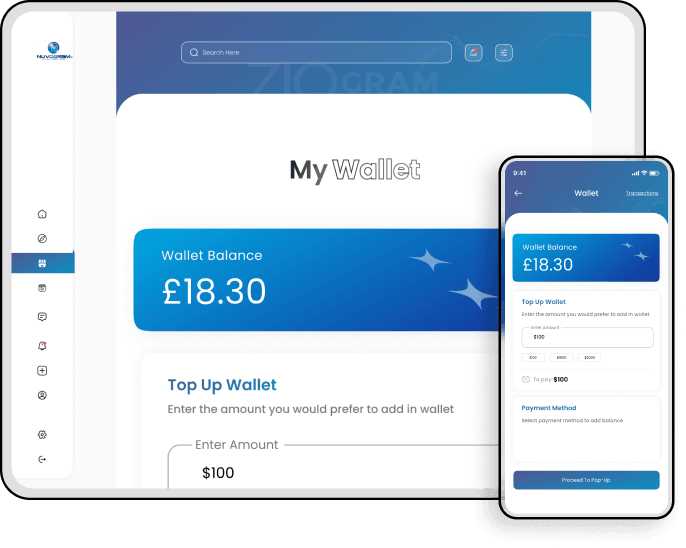
Wallet
Audio/Video Call
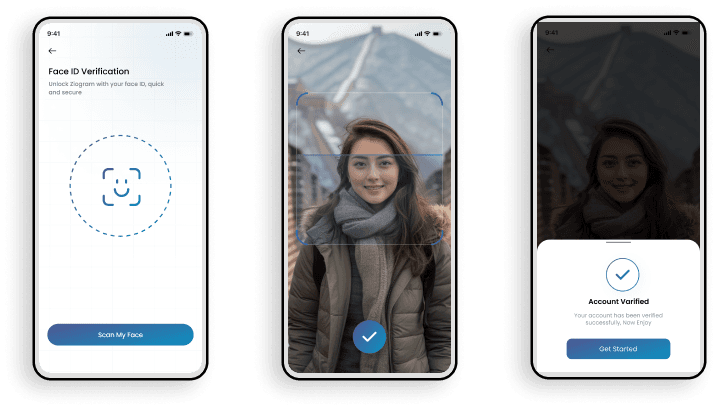
Face Recognition

Social Post

Share photos and videos, follow friends and keep up with everything in your feed.

Let's start your Social connect, Download your app today

Connect with friends, share your moments, and earn rewards — all in one place.

GET IT ONGoogle PlayAVAILABLE ON THEApple Store
People connecting through the Nuvogram app
Get In Touch With Us

Contact Us

Have questions or feedback? We'd love to hear from you. Send us a message and we'll get back to you right away!

Our Office

Warrior Comics Inc

PO Box 230610

Las Vegas, NV 89105

Open in Google Maps

Email Us

support@ziogram.com

We usually respond within 24 hours.

Send Email directly
Customer Support Active: Monday – Friday (9AM – 6PM EST)

Send Us a Message

0 of 3

Contact Info

Warrior Comics Inc
PO Box 230610
Las Vegas, NV 89105

Support@ziogram.com

Features

  • Home
  • Features
  • Earn Money
  • Explore
  • Contact Us

Support

  • Privacy Policy
  • Terms & condition
Nuvogram

© Copyright 2026 by Plus Warrior Comics Inc